
Designing for Everyone: Why Web Accessibility Matters
Author: Ayon Banerjee
October, 2026

A great website should do more than look good. It should help people find information, complete tasks and interact with a business confidently, regardless of how they access the web. For people with visual, hearing, motor or cognitive disabilities, design and development decisions can make the difference between a useful digital experience and an inaccessible one.
Accessibility is not a finishing touch. It is part of creating websites that work for more people, and it belongs in the conversation from the earliest stages of a project.
What Accessible Design Looks Like in Practice
Accessible design is built from practical decisions throughout the user journey. These principles improve experiences for people using assistive technologies and can make everyday tasks easier for everyone.
Readable content and colour contrast: Text should be legible against its background, with clear typography, appropriate contrast and layouts that remain usable when text is enlarged.
Keyboard-friendly navigation: Menus, links, forms and interactive elements should work without a mouse, with a visible indication of keyboard focus.
Clear hierarchy and navigation: Meaningful headings, descriptive links and predictable navigation help people understand where they are and find what they need.
Forms that are easy to complete: Visible labels, clear instructions and useful error messages help people complete enquiries, registrations and checkouts.
Responsive and flexible layouts: Content should remain usable across devices, zoom levels and different ways of interacting with a screen.
The Web Content Accessibility Guidelines (WCAG), including WCAG 2.2, provide an internationally recognised framework for evaluating accessibility. They offer a useful benchmark, but good outcomes also require testing with real users and ongoing attention as content and functionality change.
Accessibility in Action: Our Work
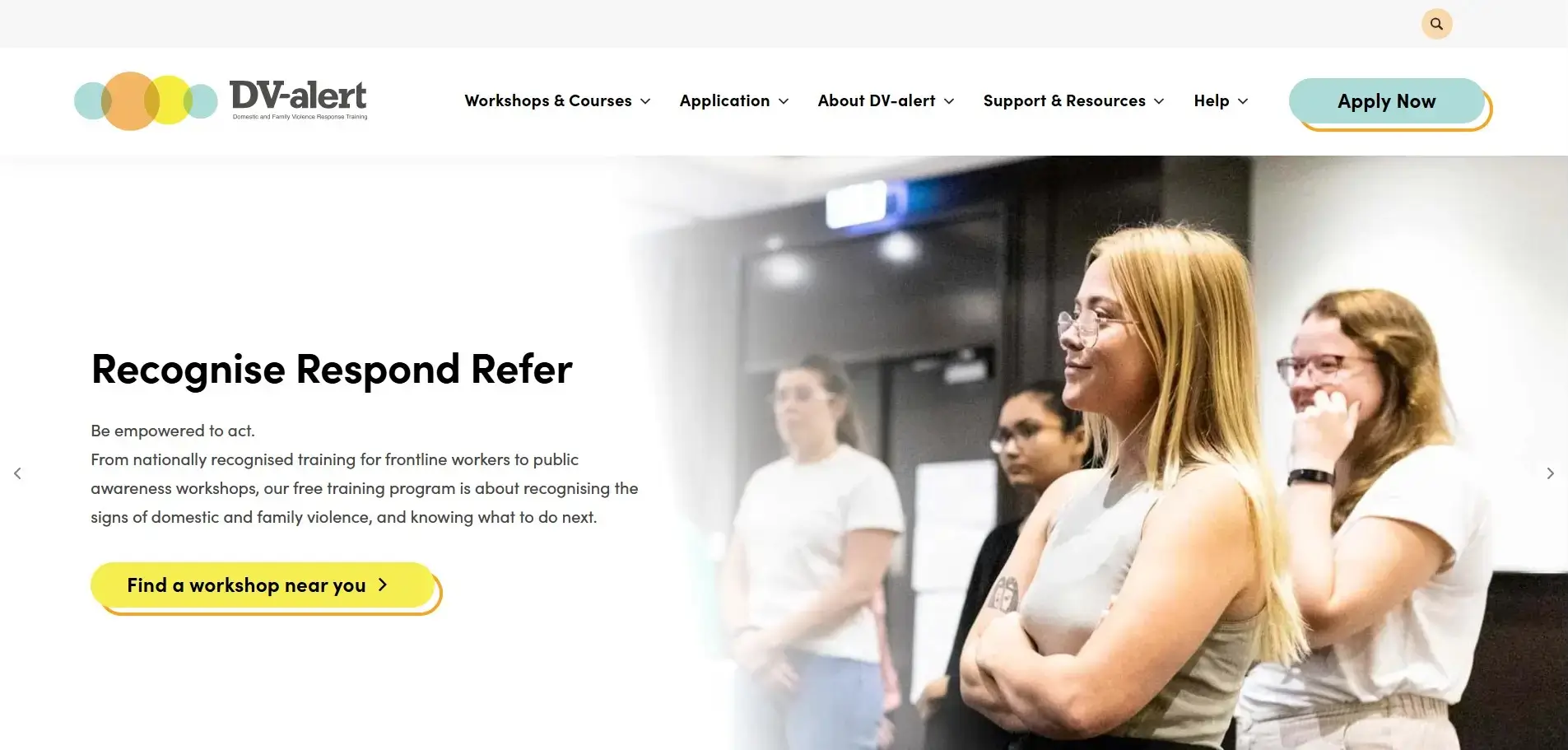
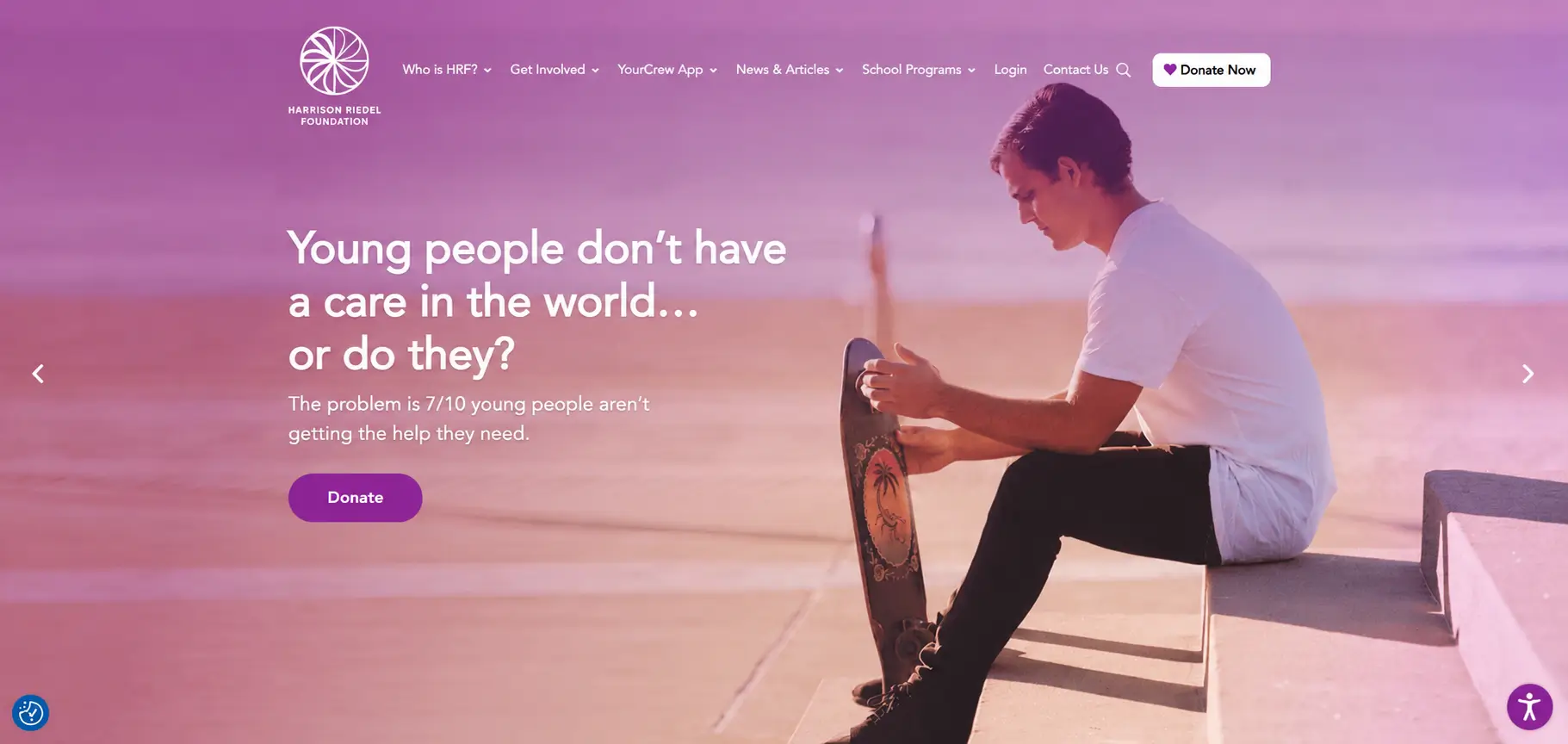
Accessibility principles become more meaningful when applied to real projects. Explore two Web Force 5 case studies where accessible design standards were an important consideration:
DV-alert | Read the case study
Harrison Riedel Foundation | Read the case study
Both projects show how accessibility can be considered alongside usability, audience needs and broader project goals. The case studies provide further detail about the work.
The Business Case for Accessibility
The World Health Organization estimates that approximately 1.3 billion people, or 16% of the global population, experience significant disability. Designing without considering accessibility can therefore exclude a substantial audience, including prospective customers, partners and employees.
For B2B organisations, accessibility matters across the entire journey: researching products, navigating technical resources, submitting enquiries, using account portals and completing purchases. Removing unnecessary barriers can help more people complete these tasks.
Accessibility, Performance and SEO
Accessible websites and technically sound websites often share the same foundations. Semantic HTML, logical heading structures, descriptive link text and meaningful alternative text help assistive technologies interpret content. Some of these practices also help search engines understand a page.
That does not mean accessibility conformance guarantees better search rankings or a particular conversion uplift. The stronger argument is that clear, usable experiences reduce friction for visitors, while disciplined development supports maintainability and content quality.
Standards and Ongoing Responsibility
Accessibility expectations are increasingly important to organisations evaluating digital services. Requirements differ across markets and sectors, so businesses should understand the standards relevant to their audience and operations.
WCAG provides a practical reference point for teams planning, building and reviewing digital experiences. Automated checks can identify certain issues, but they cannot replace manual review, assistive technology testing and consideration of real user needs.
Building an Inclusive Foundation
Accessible outcomes depend on more than the choice of content management system. Design, development, content publishing and ongoing maintenance all play a role.
At Web Force 5, we create custom digital experiences using our Continuum platform and technologies including BigCommerce, Shopify, Adobe Commerce and WordPress. The right approach depends on each project’s users, functionality and long-term requirements. Whatever the platform, accessibility is best considered throughout the process rather than added at the end.
Moving Forward
Accessibility is part of good digital design: clearer information, more usable interfaces and fewer barriers between people and the tasks they need to complete. For organisations reviewing an existing website or planning a new one, it is worth making accessibility a priority from the outset.
Speak with the Web Force 5 team about creating a more inclusive digital experience.
Editorial references
W3C: Web Content Accessibility Guidelines (WCAG) 2.2
World Health Organization: Disability
Editorial note: Confirm final claims, accessibility wording and case study links before publication. The linked case studies refer to WCAG 2.1 AA considerations; this article discusses WCAG 2.2 as the current reference framework, without asserting that either project was audited against WCAG 2.2.